Everything you need to agree — now on your Windows PC
A native DocuSign desktop app for Windows 10 & 11. Prepare, sign and send every agreement right from your PC — free to download.
Free to download for Windows 10 & 11 (64-bit). Installs in under a minute — no account needed to sign locally.













Everything you agree, now a Windows app
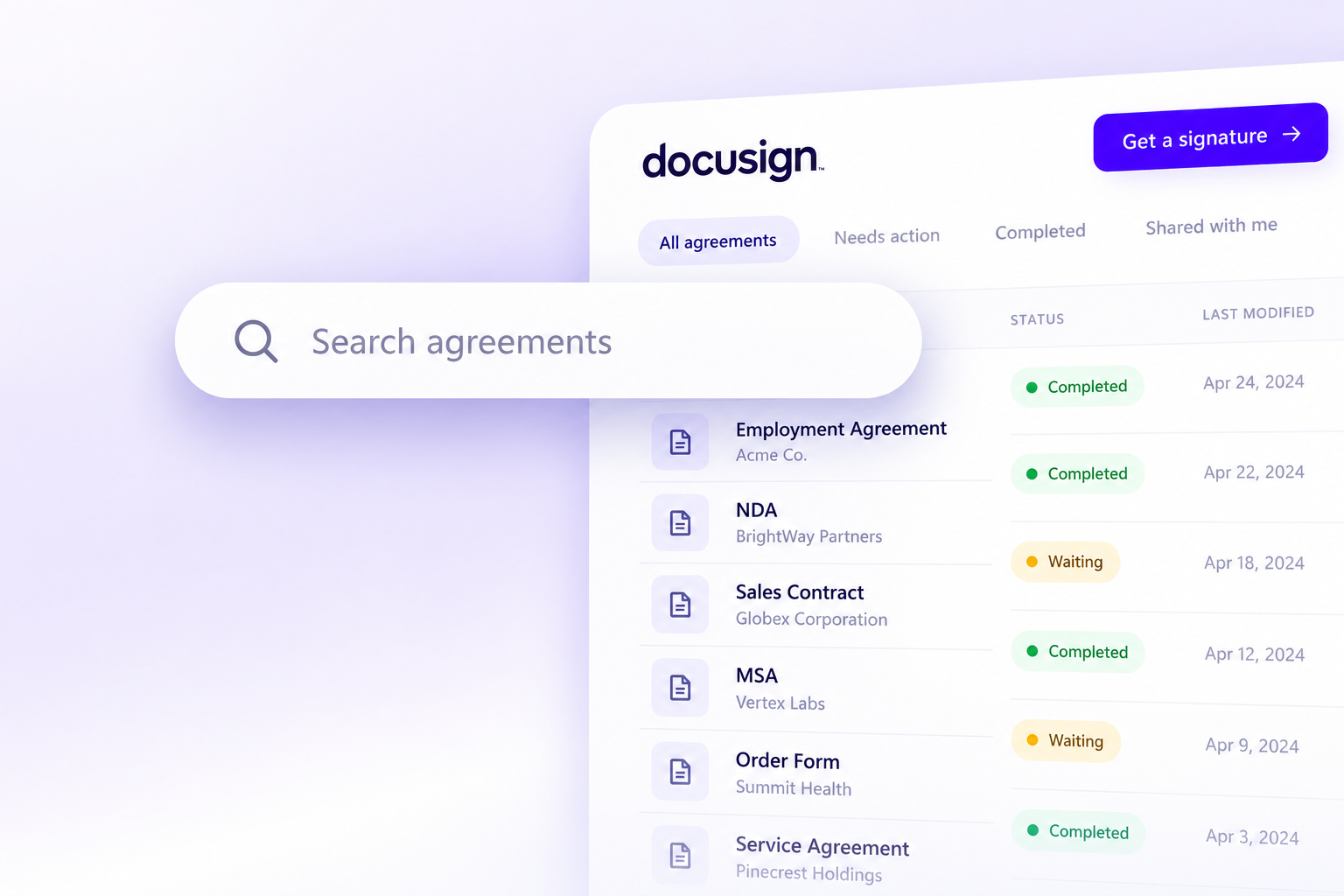
Find any agreement in seconds
Every signed file lives in an encrypted vault on your PC. Search, filter and reopen any agreement instantly — even with no connection.
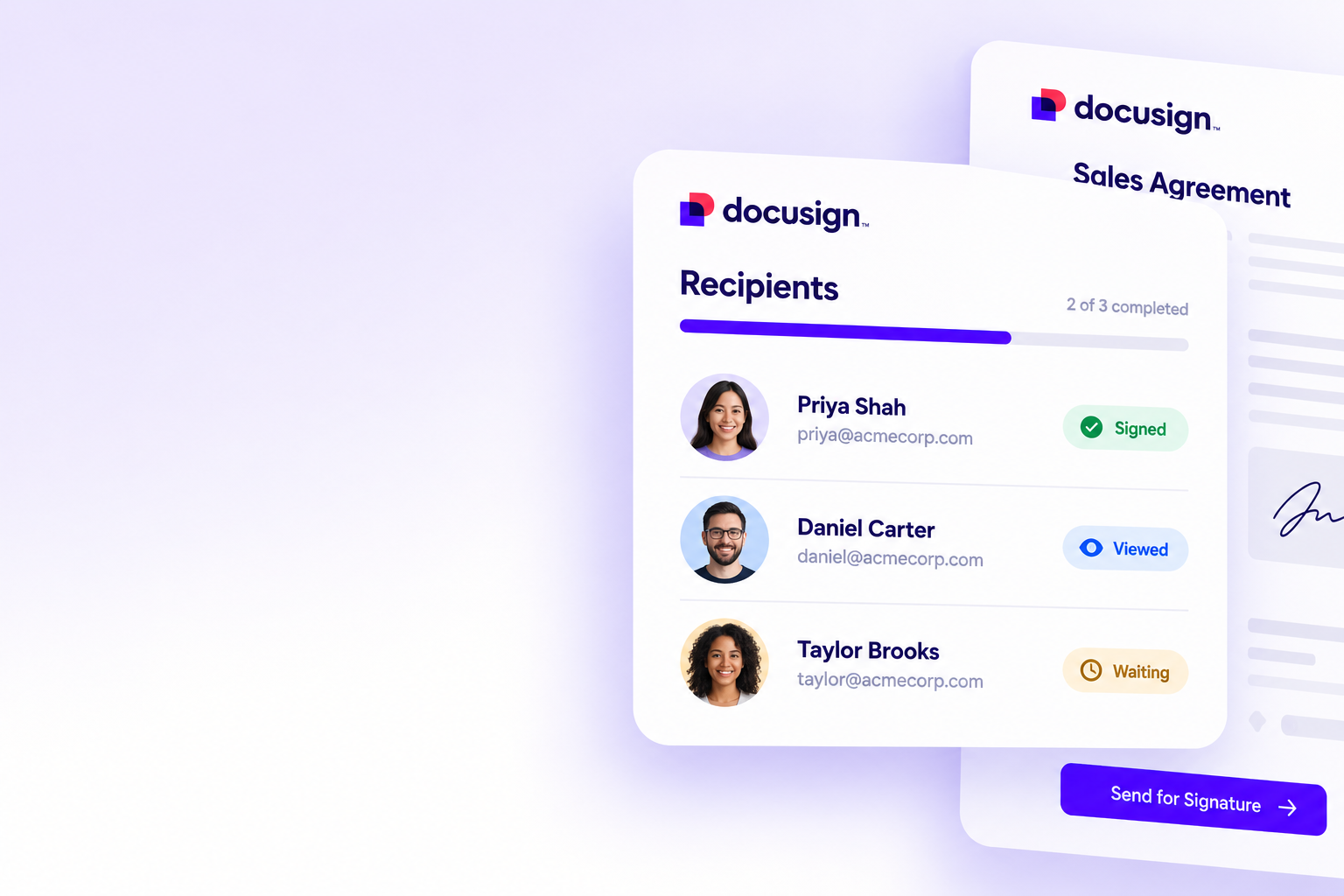
Send, sign and track — from your desktop
Collect signatures from anyone on almost any device. Send straight from the app, watch status update live, and finish faster with comments and shared templates.
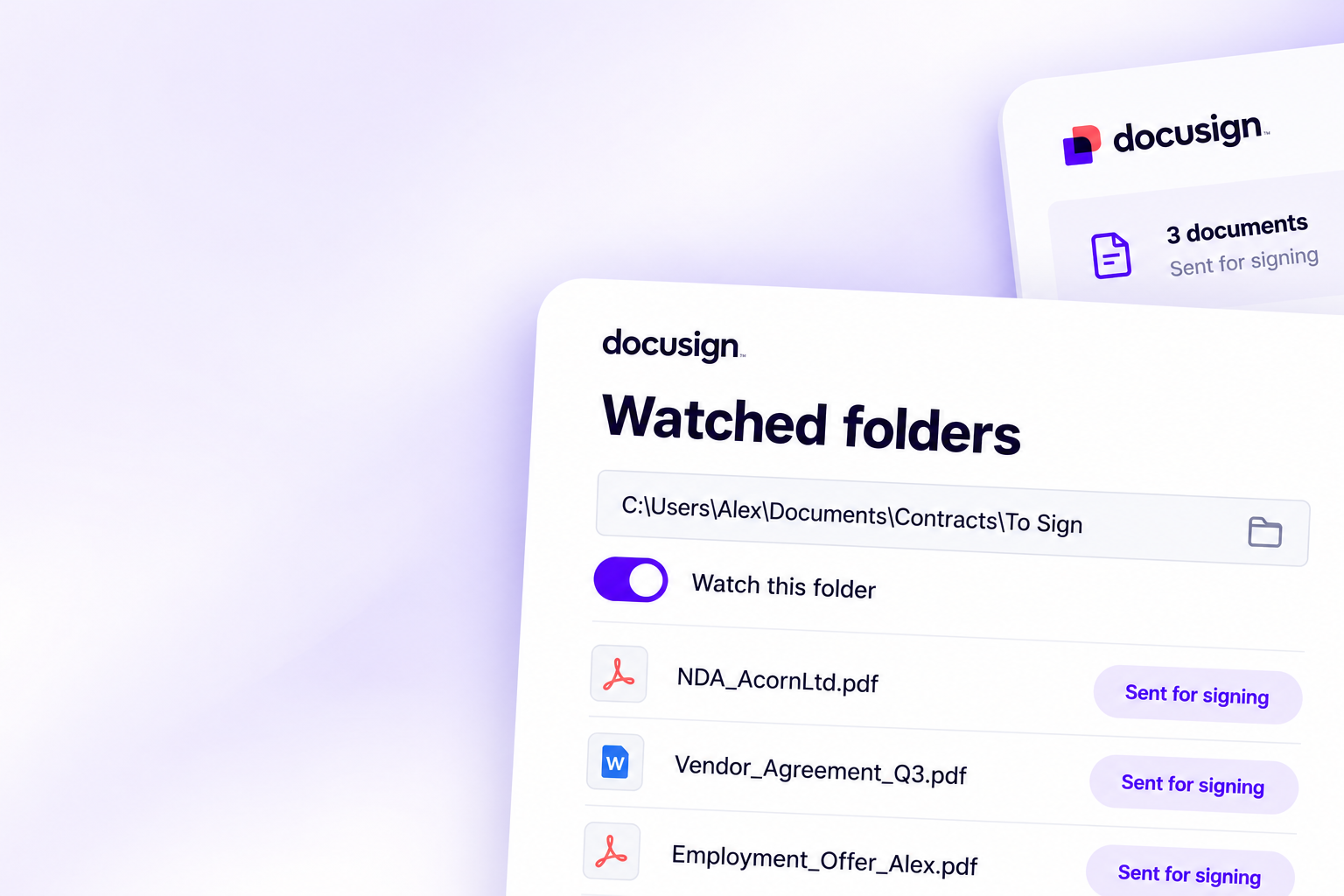
Automate the busywork
Set up watched folders and reusable templates so routine agreements prepare themselves — no coding required.
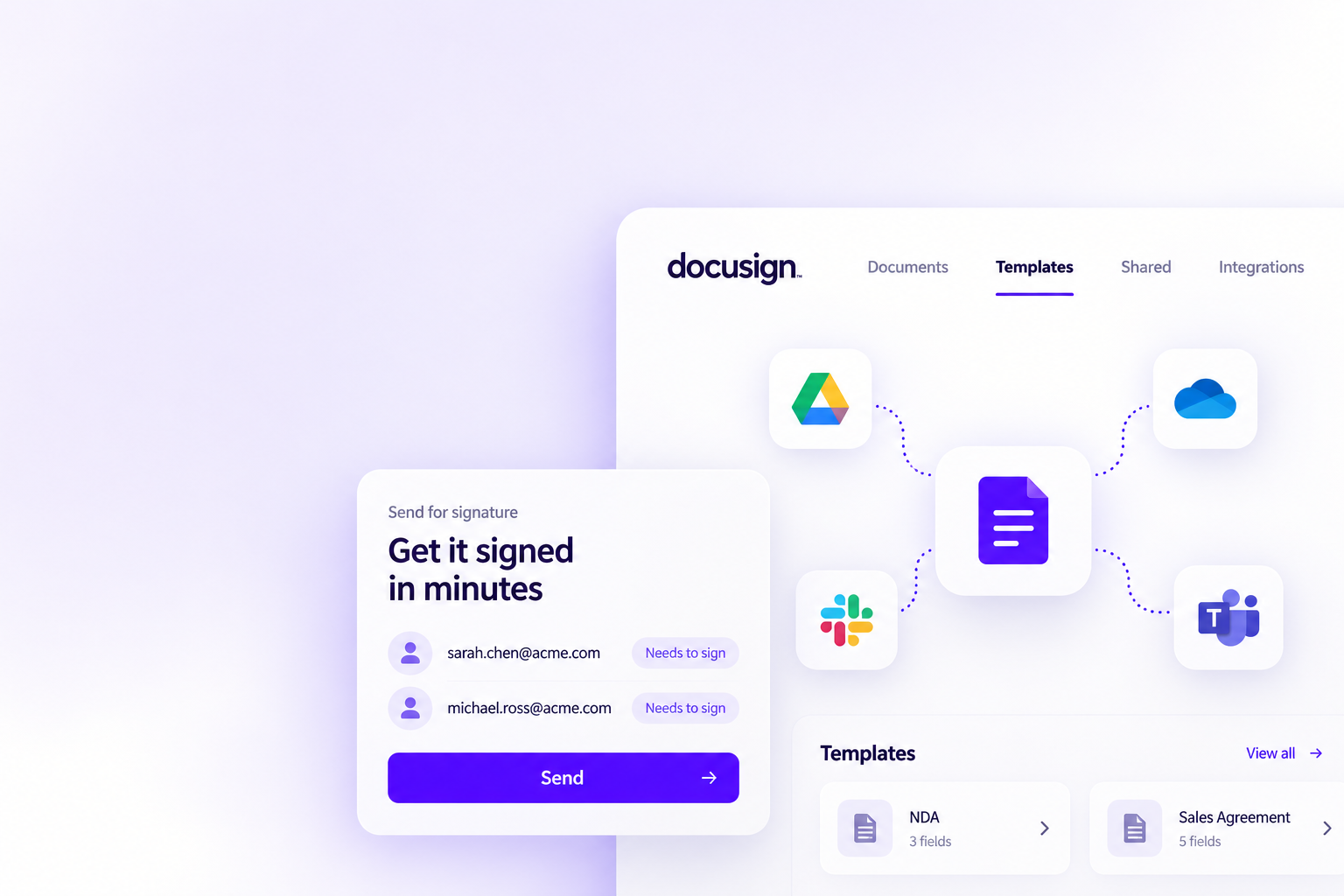
Works with the apps you already use
Pull documents straight from the cloud storage and tools you use every day, right inside the Windows app.
Keep everyone on the same page
Centralize agreements in one secure place on your PC, collaborate in real time, and cut the email back-and-forth that slows deals down.
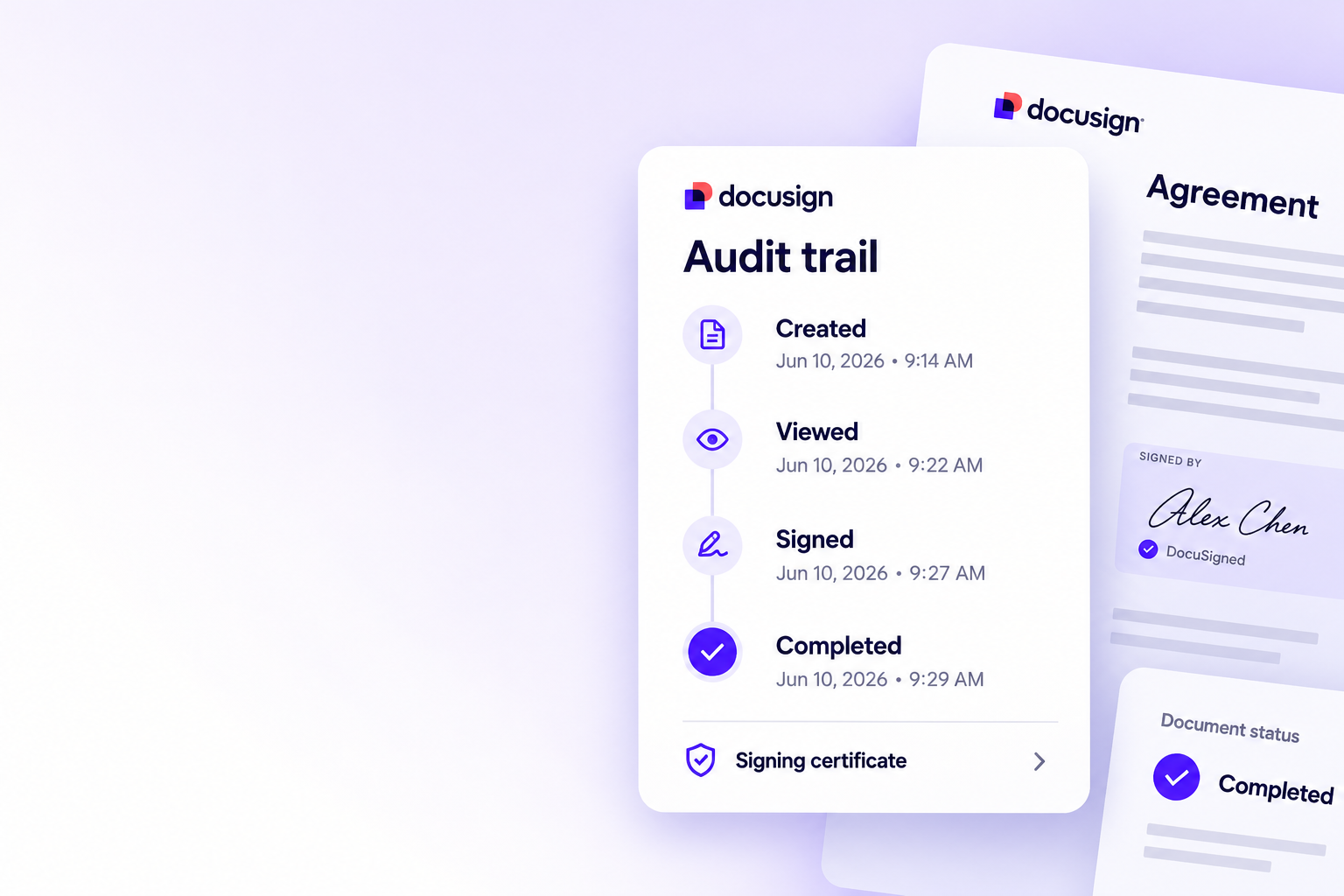
Stay on top of every contract
Move agreements from draft to done faster, keep a full audit trail on each one, and never lose track of what needs a signature.
Drag any document in
Drop a PDF or Word file onto the window and it opens ready to prepare — no uploading, no waiting.
Explore eSignature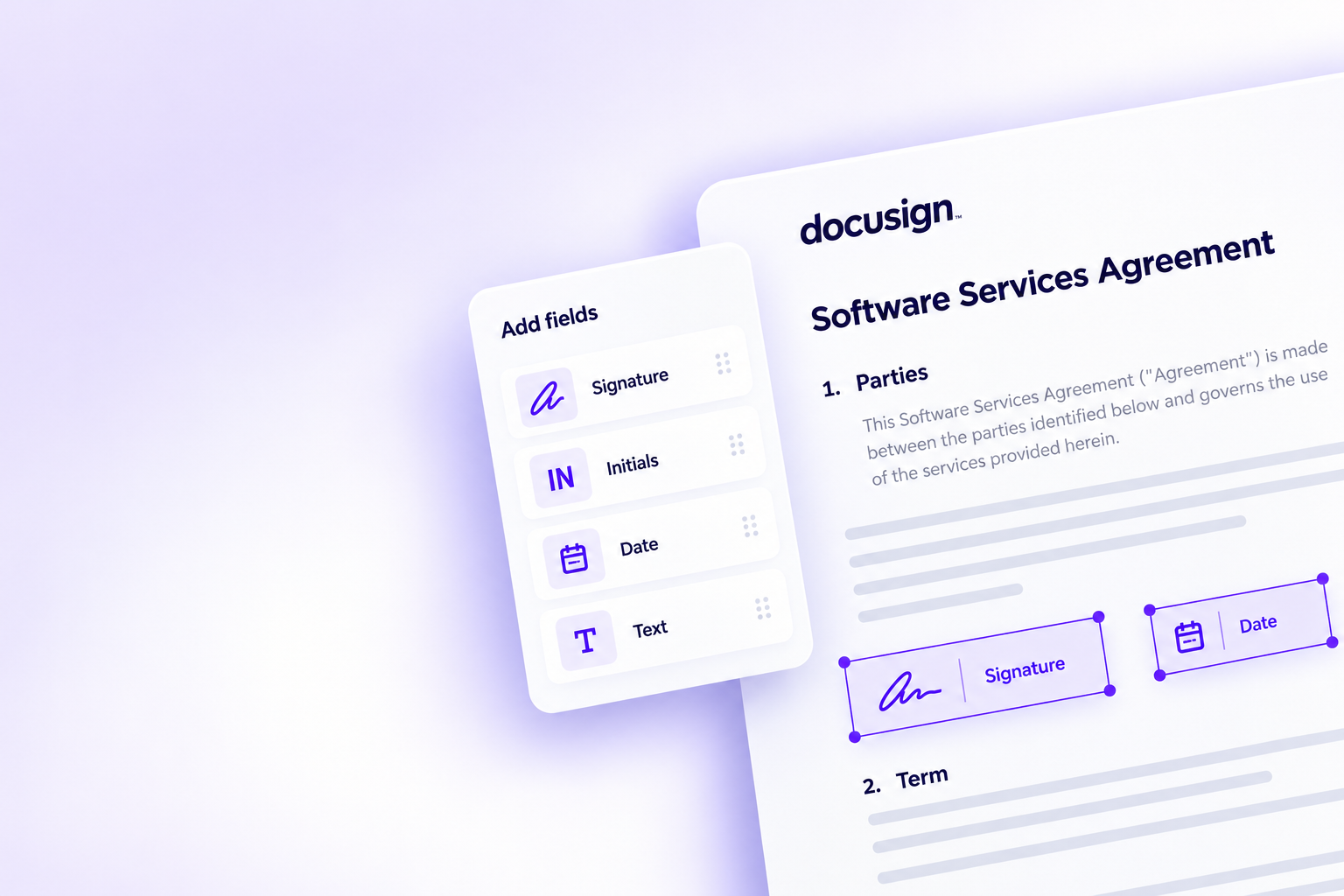
Place fields in seconds
Signature, initials, date, text and checkbox fields snap into place, each assigned to the right signer.
Explore eSignatureSend, sign and track
Collect signatures from anyone on almost any device, send straight from the app and watch status update live.
Explore eSignature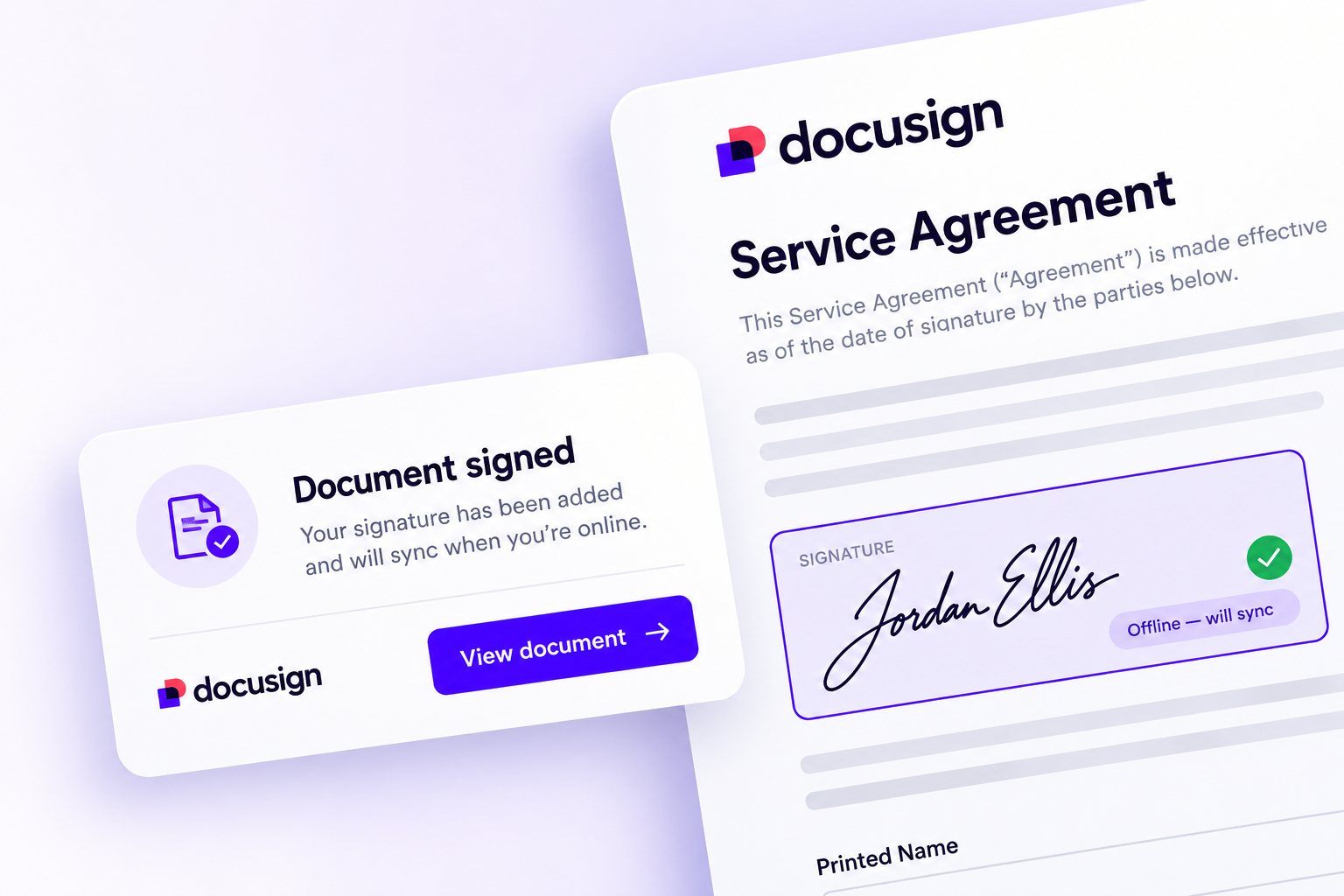
Sign anywhere, even offline
Preparing, filling and signing happen on-device, so a flaky connection never stops you — queued sends go out when you reconnect.
Explore securityWatched folders
Point the app at a folder and anything saved there is picked up for signing automatically.
Explore integrations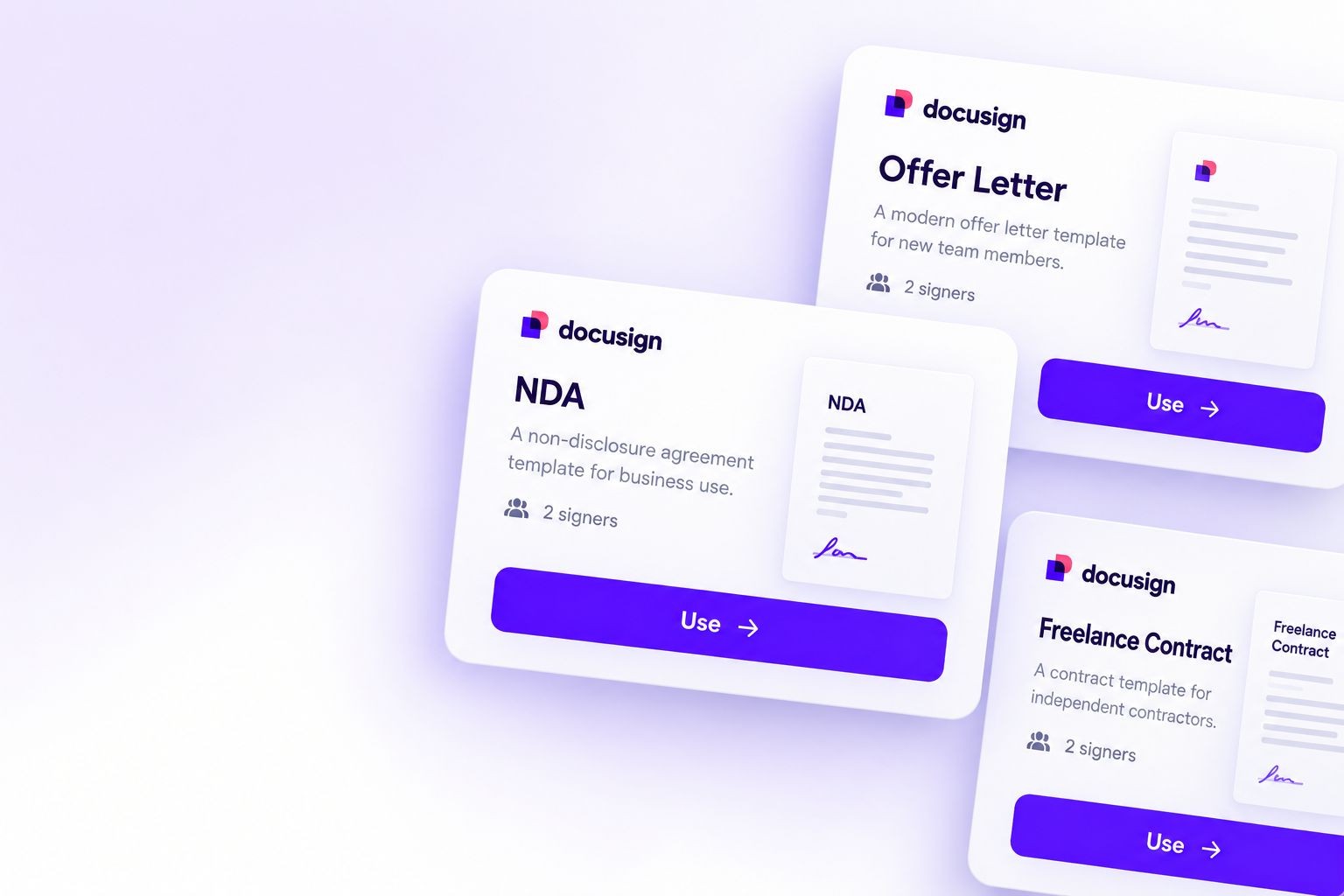
Reusable templates
Save any agreement with its fields and recipients baked in, then reuse it in one click next time.
Explore integrations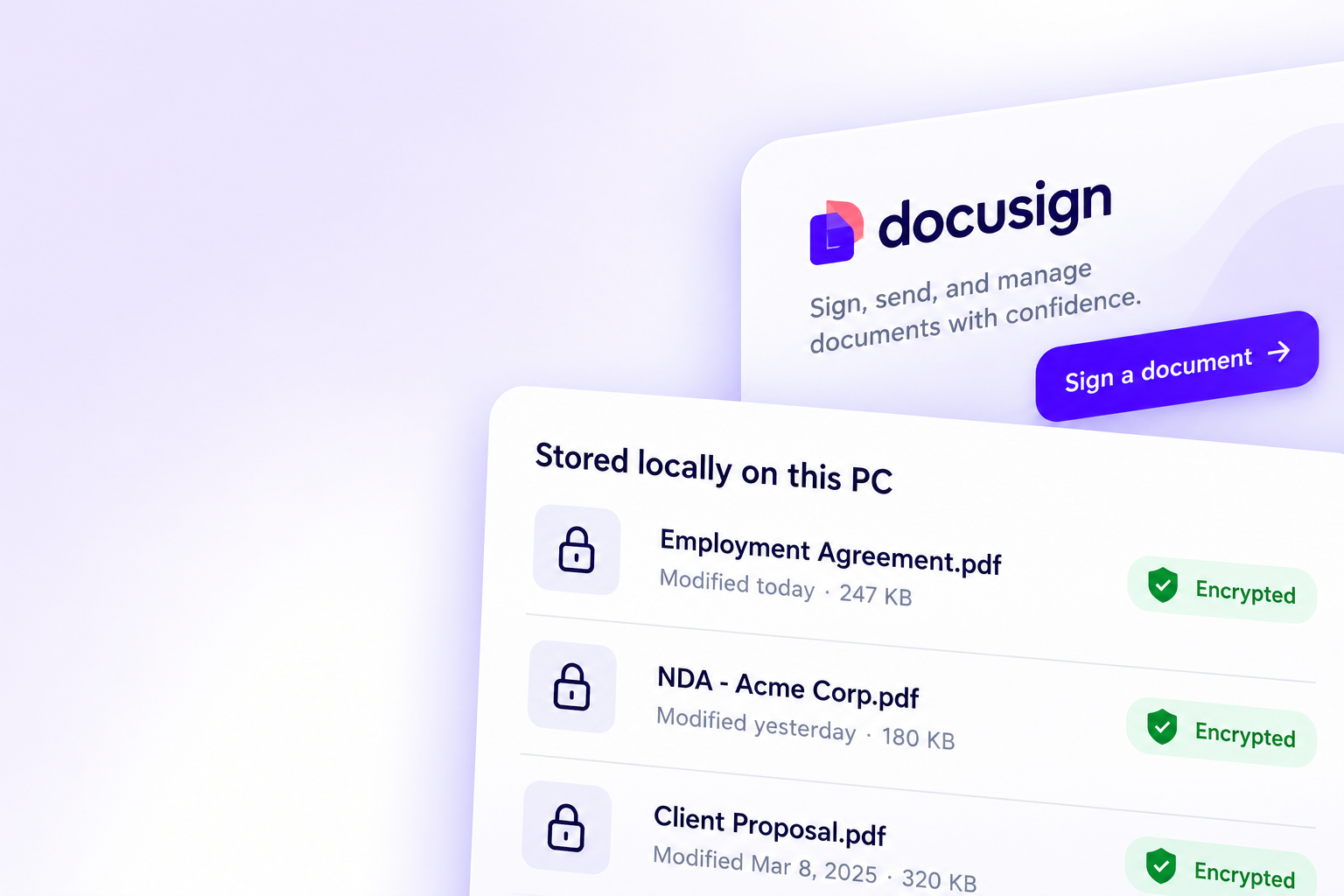
An encrypted local vault
Documents are processed and stored on your machine in an encrypted vault — nothing leaves your PC unless you send it.
Explore securityA tamper-evident audit trail
Every view and signature is timestamped, with a signing certificate on each file, aligned with ESIGN and eIDAS.
Explore securityWorks with the apps you use
Pull documents straight from the cloud storage and tools you use every day, right inside the Windows app.
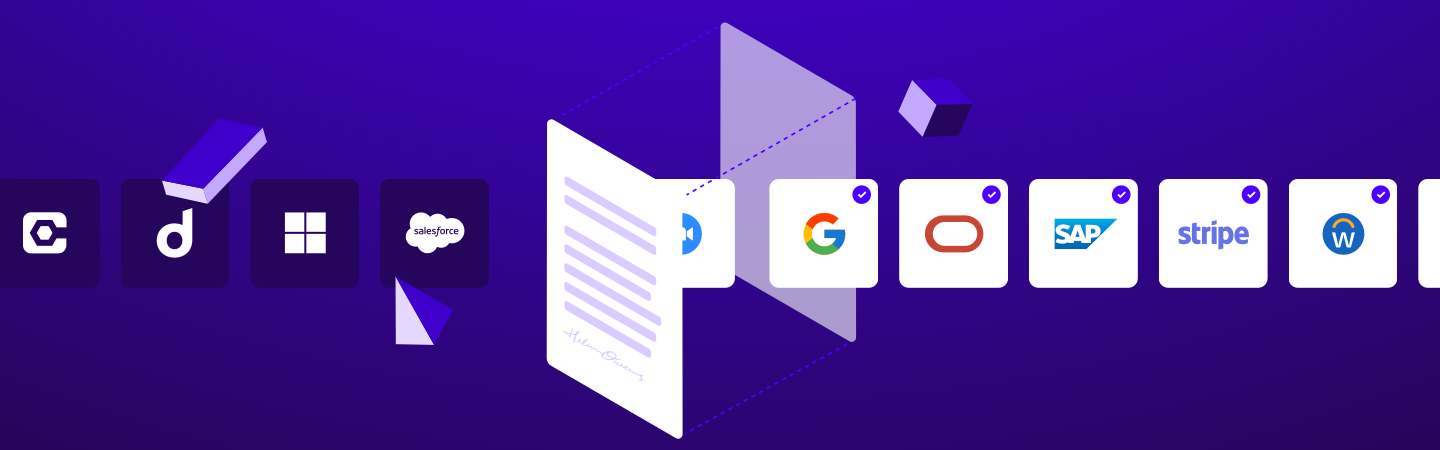
Explore integrations1,000+ connections
Connect the tools your team already relies on and keep every agreement flowing without leaving your desktop.
Explore integrationsBuild custom contract workflows
Extend your workflows with a robust App Center, 1,000+ partner integrations, industry-leading APIs, and seamless connections to cloud storage.
Trusted the world over
We take your agreements as seriously as you do, which is why Docusign meets the most stringent global security standards.

Recommended for you
Everything you agree, now on your Windows PC
Prepare, sign and send agreements from a native app built for Windows 10 & 11.


Docusign IAM is the agreement platform your business needs

System requirements
A light desktop app that just runs
Everything DocuSign for Windows needs to prepare, sign and send agreements smoothly on your PC.
Operating system
Windows 10 & 11 (64-bit)
Processor
1.6 GHz dual-core or faster
Memory
4 GB RAM (8 GB recommended)
Storage
450 MB free disk space
Display
1280 × 720 or higher
Internet
Optional — only to send & sync